OTA Firmware Update
Firmware Configuration
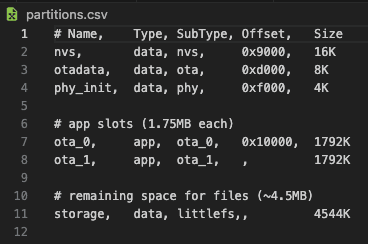
This product uses an ESP32, which includes solid support for Over The Air (OTA) updates. On the firmware side, I set up a few core pieces:
- Define a partition table with space reserved for OTA images
- Initialize Wi-Fi and integrate the esp_https_ota library
- Send the current firmware version to the app over Bluetooth
- Receive the OTA URL from the app over Bluetooth and begin the update process
Backend API and Database
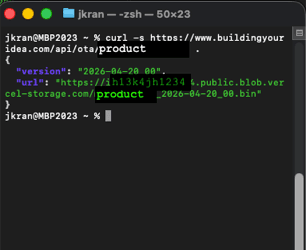
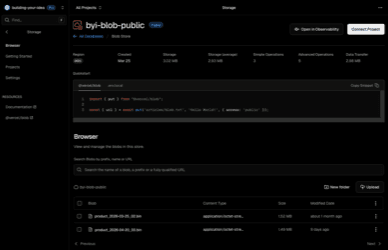
Since this site runs on Vercel, I used its serverless tools to build a simple API that returns the latest firmware version and download URL. That URL points to the firmware binary stored in Vercel Blob.
App Integration and Update Flow
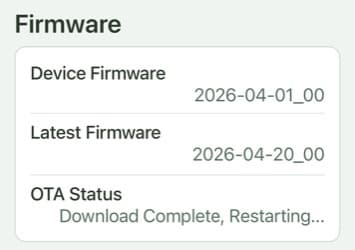
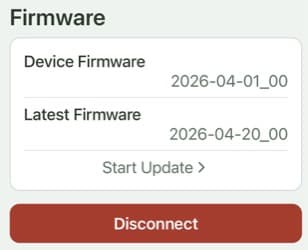
The app includes a firmware update section in Settings. It reads the device's current firmware version over Bluetooth, compares it to the latest version from the API, and shows an update button when a newer release is available.
Putting It All Together
When the user taps update in the app, the OTA URL is sent to the device over Bluetooth. The device downloads and flashes the new image with esp_https_ota, then reboots into the updated firmware. I also added status messages so the user can follow each step of the process.